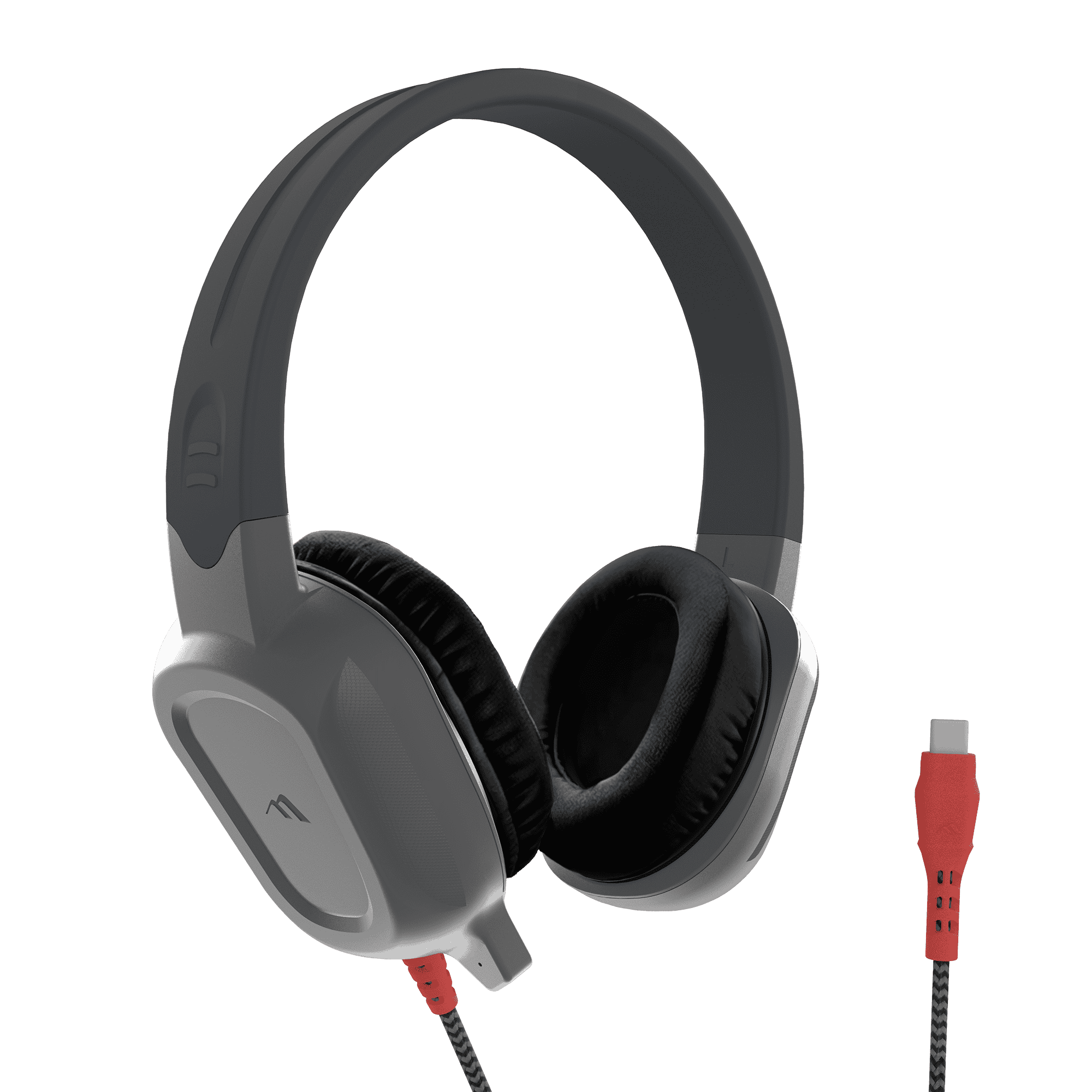
- Twistable, adjustable, break-resistant headband
- Durable earpads that easily wipe clean
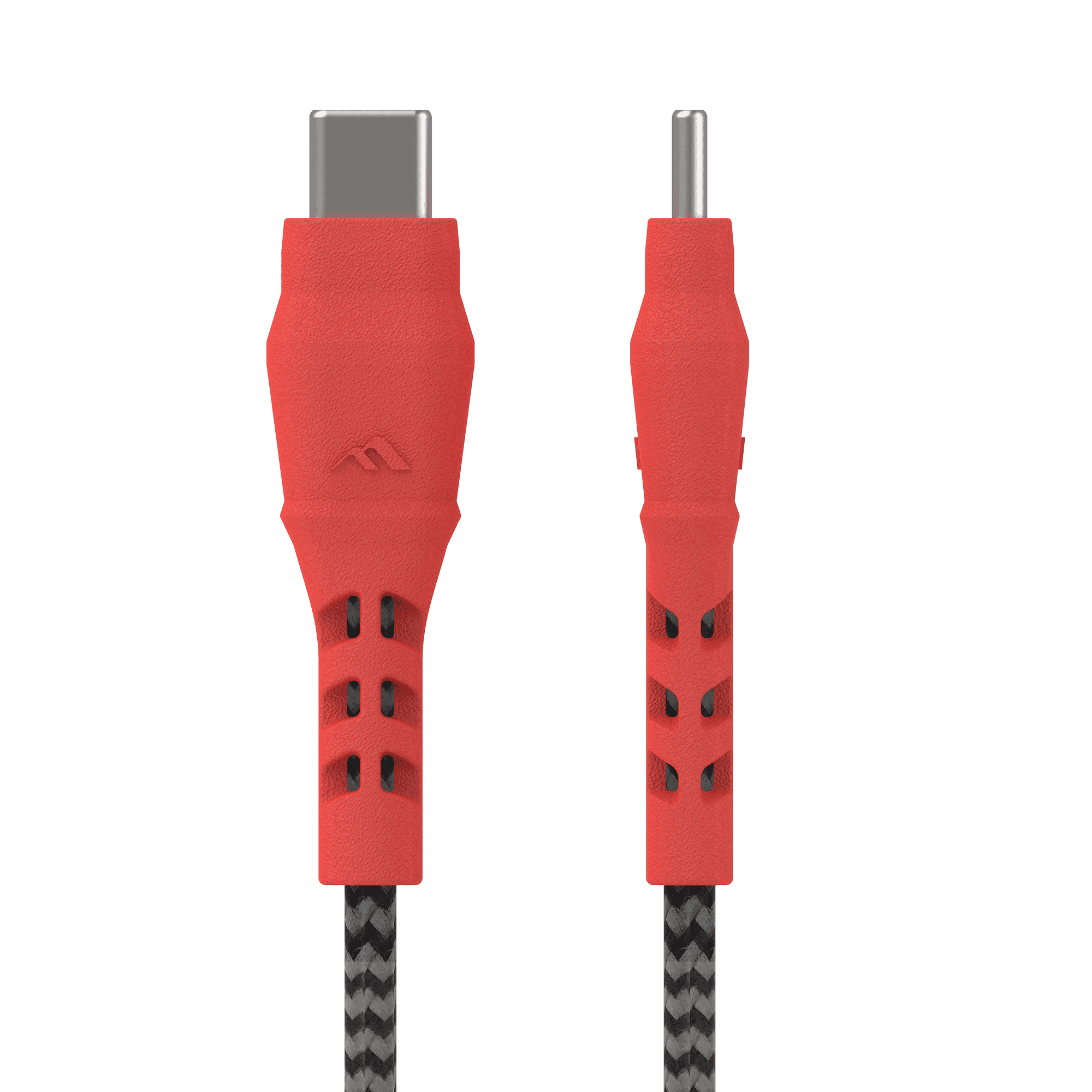
- Five foot long braided, durable cord with inline volume control
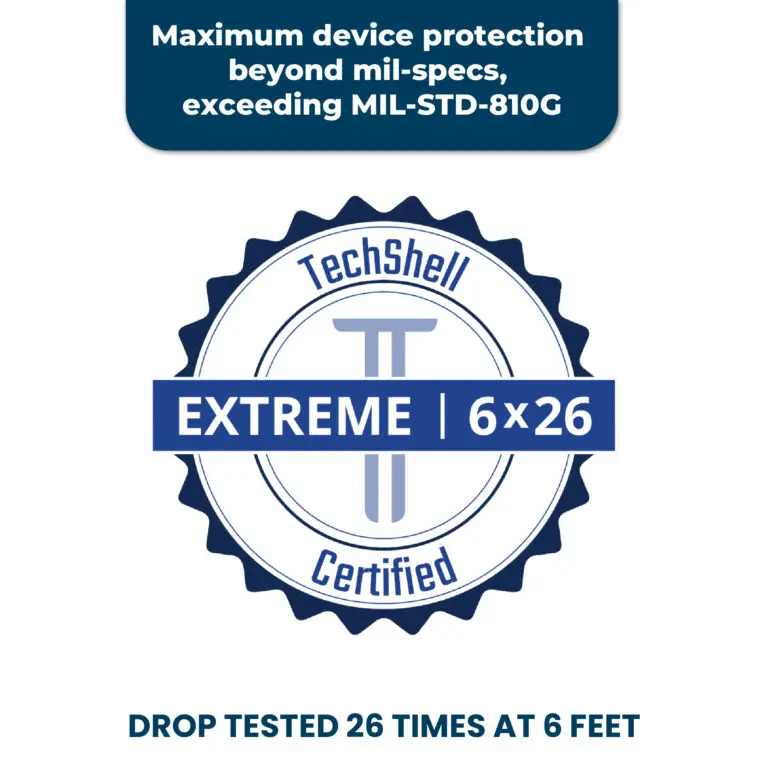
- Best-in-class drop protection against falls up to six (6) feet
- Uni-directional microphone
- No installation required - simply plug in and play
- 2-Year Guarantee







Product Information
Overview
Designed for student testing, assessments, and everyday classroom communication, the Rugged 2 Headphones with Mic help keep voices clear while reducing steady background noise. The in-line, unidirectional microphone separates speech from surrounding room noise to improve voice pickup during calls, recordings, and testing environments.
Verified for use in testing environments, the headset is well suited for classrooms, shared workspaces, quiet cafés, and open-office settings. Its durable construction includes a twistable, break-resistant headband, wipe-clean ear pads, and a five-foot braided, chew-resistant cord with in-line volume control.
TechShell Extreme drop protection helps the headset withstand falls of up to six feet, keeping headphones in the classroom and out of the IT department. Available with either USB-C or 3.5 mm connectivity, it requires no installation. Simply plug in and begin.
Highlights
- Microphone noise suppression helps reduce steady background noise
- In-line, unidirectional microphone keeps voices clear and prominent
- Designed for student testing, assessments, calls, and recordings
- TechShell Extreme drop tested up to six feet
- Twistable, break-resistant headband
- Five-foot braided, chew-resistant cord with in-line volume control
- ComfortFit™ twistable, break-resistant headband for extended listening
- Durable, replaceable ear pads that wipe clean
- Available in USB-C and 3.5 mm versions
- Plug-and-play with no installation required
- Flexi-tip included with the 3.5 mm version
- 2-year guarantee
Specifications
Specsheet
Dimensions
| Length | 2.766 in. |
| Width | 6.734 in. |
| Height | 7.287 in. |
| Weight | 0.5 lbs. |
Other Info
Headphone Features
| Specification | Details |
|---|---|
| Frequency Response | 20 Hz–20 kHz |
| Impedance | 32 Ω ±10% |
| Speaker Driver | 40 mm |
| Speaker Sensitivity | 100–108 dB ±3 dB |
| Microphone Style | In-line, unidirectional, noise-suppressing |
| Microphone Sensitivity | −38 to −42 dBV/Pa ±3 dB |
| Microphone Frequency Response | 100 Hz–10 kHz minimum |
| Background Noise Environment | Verified up to 60 dBA |
| Connector Options | 3.5 mm or USB-C |
| Cable | 5 ft braided, chew-resistant cord |
| Drop Protection | Up to 6 ft |
| Warranty | 2 years |
Compatibility
Now available as 3.5mm or USB-C audio connections
Frequently Asked Questions
NOISE CANCELLATION
Do Brenthaven headphones offer noise-canceling microphones and earphones?
While our headphones do not feature active noise cancelation, the earphones are equipped with soft pads that help dampen background noise.
REPLACEMENT
How do I replace the ear pads for Rugged Headphones?
To replace ear pads:
- Remove Old Ear Pad: Gently pry the ear pad up. A tool may be required.
- Attach New Ear Pad: Align with the ear cup and push firmly until it locks securely.
CLEANING
What is the best way to clean Rugged Headphones?
To clean, simply spray cleaning liquid onto a cloth and then wipe.
You should use a water-based cleaner with a ratio of 70% isopropyl alcohol to 30% water.
Please note the following:
- Do not spray directly onto the headphones.
- Do not use other alcohol-based cleaners or bleach.
TROUBLESHOOTING
What do I do when I can’t hear anything from my Rugged Headphones when it’s plugged into my device?
If you can’t hear any audio from your headphones, try the following:
- Check and make sure the cable is fully plugged into your device.
- Check that the other end of the cable, with the headset icon, is fully plugged into the ear cup and in the locked position.
- Check your device’s audio settings and make sure the headphones is selected.
- If you are using a video conferencing platform, make sure your headphones are selected for your Speaker and Microphone.
- Make sure your audio is not set to mute and the volume is not at zero.
- If you are still unable to hear audio, please contact Support for further assistance.
Instructions for use of USB-C to 3.5 mm Adapter
- Plug in the Adapter:
- Insert the USB-C to 3.5 mm adapter into the iPad’s USB-C port
- Connect the Headphones:
- After the adapter is securely connected to the iPad, plug the BH headphones into the 3.5 mm port on the adapter.
- Ensure that both connections are secure to avoid any issues with audio output.